The Sensor Who Cried Rain !
Let me tell you a story. A story of sensors, rain, and the long, bumpy road to getting a window to politely tell me: “Hey, close me. It’s about to pour.”
This was the idea: a weather-aware window sensor that could detect if a window was open, check if rain was incoming, and send an alert. It sounded cute and useful, and I thought, “How hard can it be?” (Spoiler Alert: REALLY HARD) 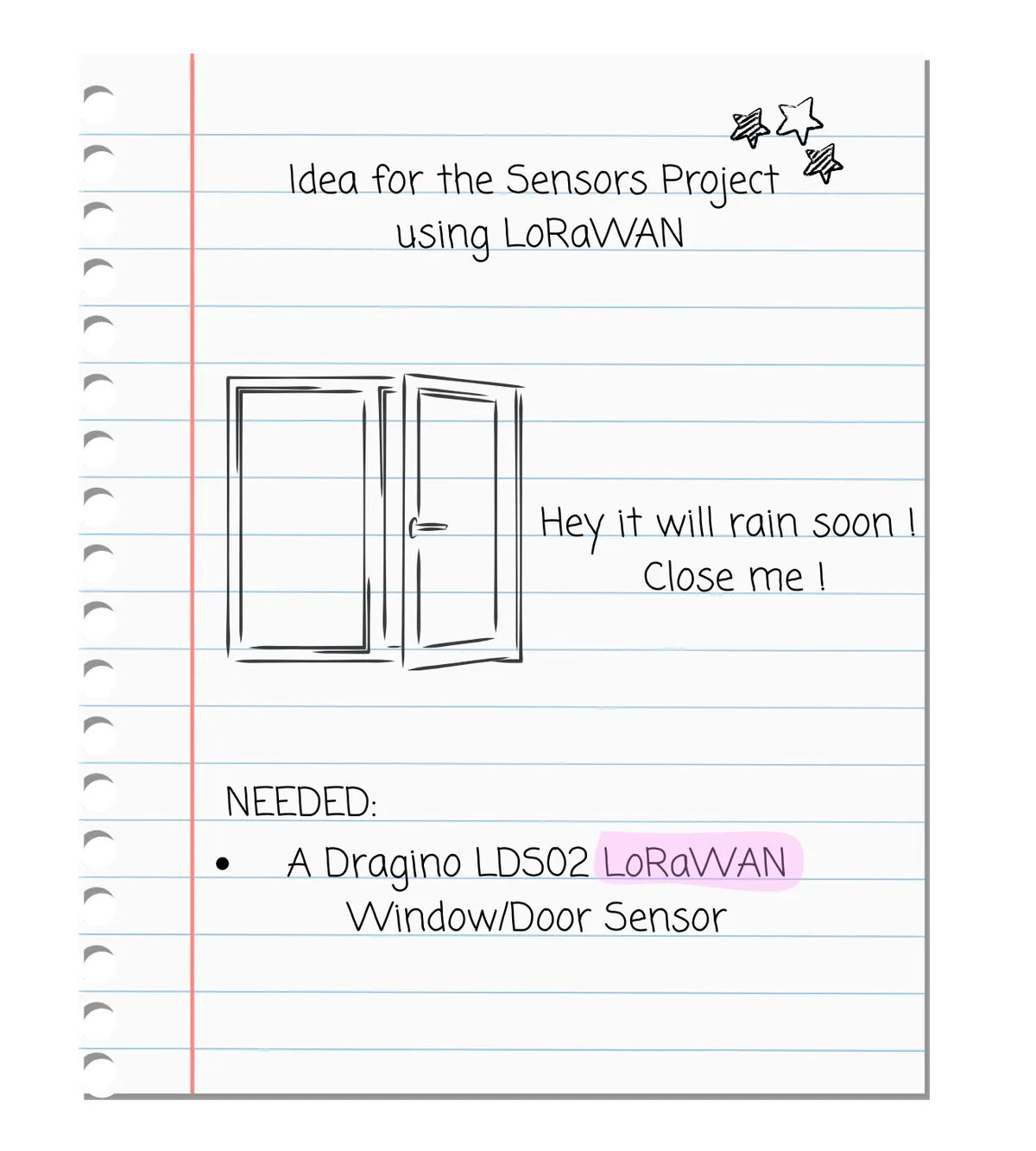
Toolbox
- A Dragino LDS02 LoRaWAN Door Sensor
- A trusty pack of AAA batteries
- The Things Stack Sandbox to connect the sensor
- Datacake to make things look nice
- OpenWeather API for real-time weather info
- Node.js for the server-y bits
- PowerShell (to test data manually with a POST request)
- And of course, a healthy dose of stubbornness
What You Should Know Before We Start
Before diving in, here are a few terms that might sound scary but are actually pretty simple once you get the hang of them:
- IoT (Internet of Things): Devices that talk to each other through the internet. Our window sensor is one!
- LoRaWAN: A long-range, low-power wireless network; perfect for small data from sensors.
- API: Like a restaurant menu; you ask for data (like weather), and the API serves it back to you in code.
- Webhooks: Automated messages sent from one app to another when something happens (like your window opening).
You don’t need to be an expert in any of these, I wasn’t either! You’ll get it along the way.
Step 1: Meeting The Things Stack
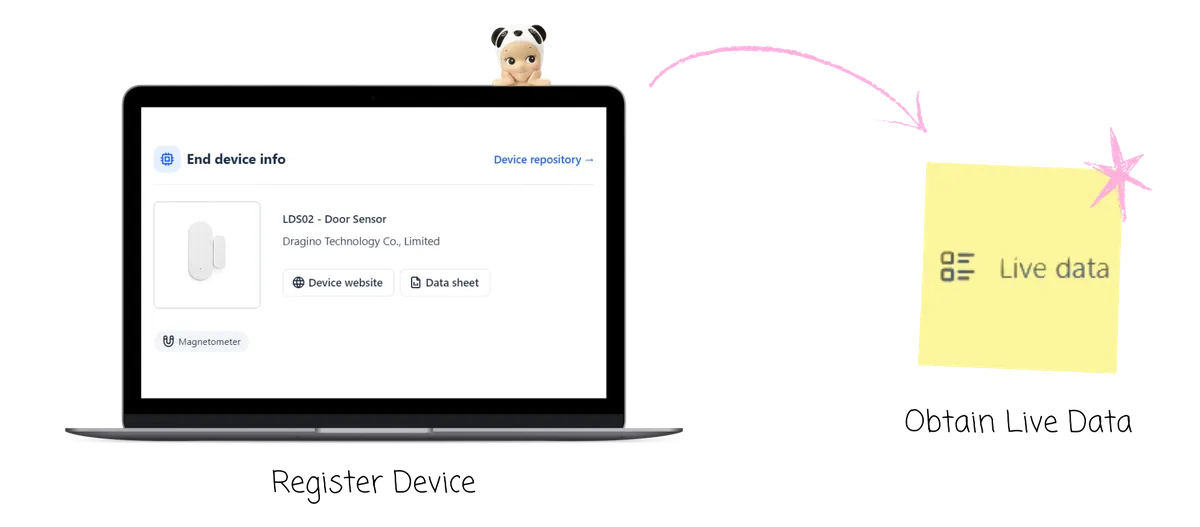
The Things Stack is like a matchmaking service for IoT devices. I made an account, selected the cluster (Germany/Europe), created an application, and registered the Dragino sensor.
The tricky part? The App Key. I clicked “generate” by accident, and it broke everything. The new key didn’t match the sensor’s info. Lesson learned: don’t touch things unless you mean it.
Once fixed, the sensor popped up in the Live Data tab. Magic!
Step 2: Prettying Things Up with Datacake
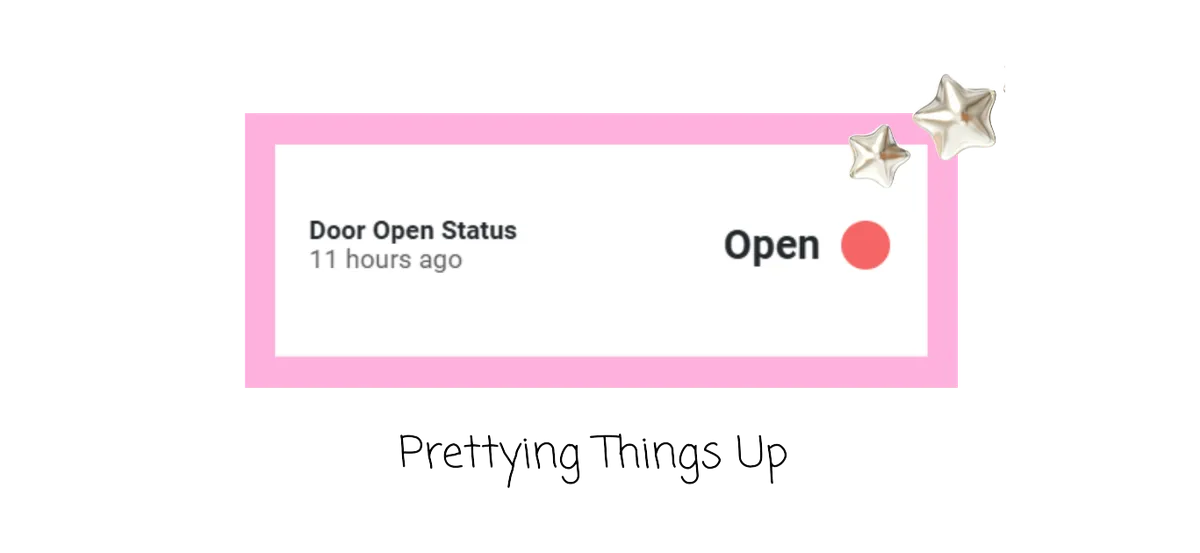
Datacake is a really clean interface to show live sensor data. A friend recommended it and I’m so glad they did.
I linked Datacake via a webhook from The Things Stack, popped in the DevEUI, and boom! Data started flowing. Seeing the “open” status appear for the first time? Unironically thrilling.
Step 3: Calling the Weather Gods (OpenWeather)
After signing up on OpenWeather and grabbing an API key, I set out to combine real-time weather data with my sensor info. Because just knowing the window is open? Not enough. I wanted to know if it was about to rain on my window’s parade (and my floor).
Step 4: Server Time! (aka. The Node.js Era)
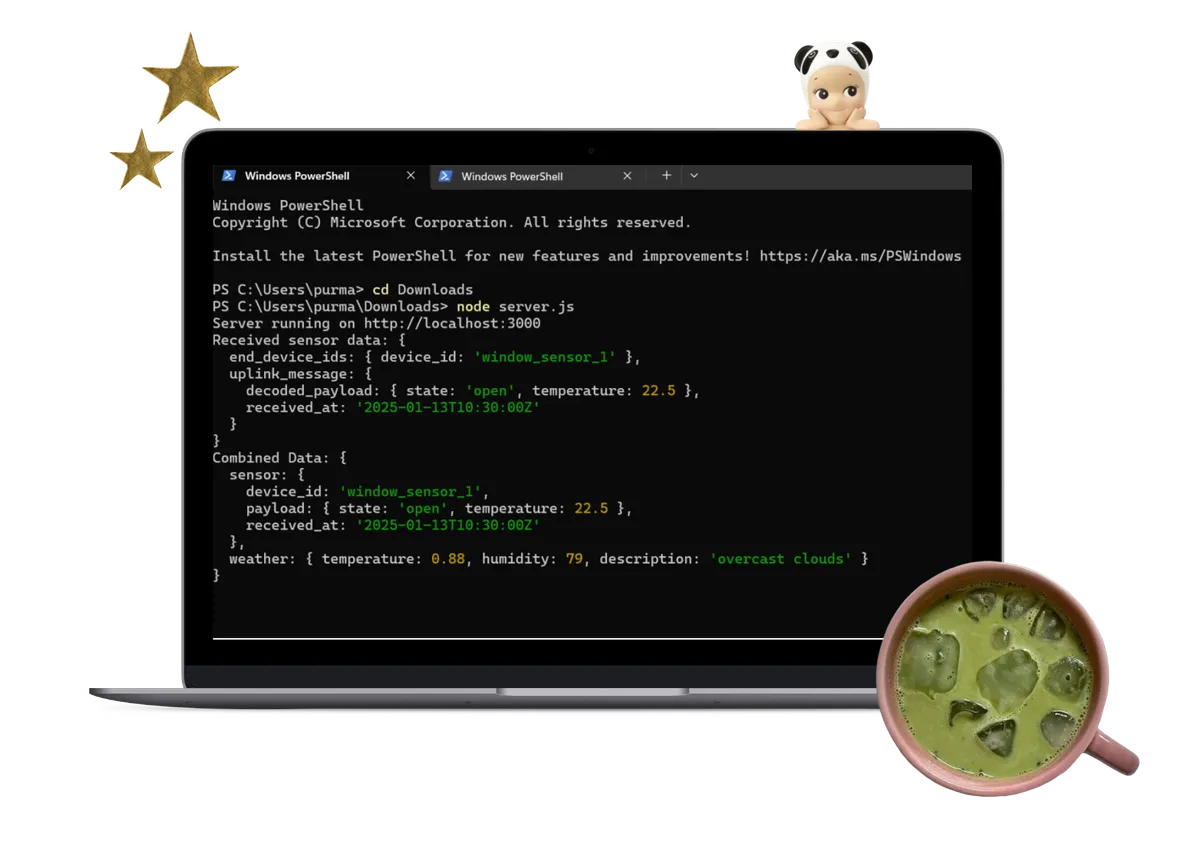
I created a local Node.js server to handle POST requests from The Things Stack and fetch weather info from OpenWeather. No frameworks, just plain Node.js.
- Accept incoming sensor data
- Fetch current weather
- Merge the two into one JSON object
I used PowerShell to manually test the POST request and watched the data show up in the terminal. Very satisfying.
Step 5: Webhooks… and the Realisation That the Internet Doesn’t See Your Laptop
So here’s the twist: The Things Stack can’t see your localhost. To make your webhook actually work, it needs a public URL. Cue my adventures in online hosting:
- Ngrok: Creates a tunnel from a public URL to your local server. Super convenient. Super temporary.
- Glitch: A beginner-friendly hosting site. Stable URL, slow response. Still worked! → window-weather-sensor.glitch.me
- Heroku: The perfect fix until you need advanced features... and payments.
What I Learned
- IoT is a mix of hardware, software, and patience.
- Webhooks are amazing… once you tame them.
- APIs are like magic doors to real-world data.
- There’s nothing better than your code finally working.
Once It All Worked: The Output
When everything came together, this is the JSON output I got:
I double-checked it against the OpenWeather site ; it matched perfectly. Real-time weather + real-time window status = success!
What’s Next?
- Set alerts if the window stays open for too long
- Add cute weather icons to the Datacake dashboard
- Push notifications via a mobile app
- Illustrated status display (like a sleepy open window?)
Thanks for reading!
See you next time,
-Carina